
AI Model Photoshoots for Fashion Brands: Every Design on a Model
Here's a situation a lot of fashion brands will recognise. The new collection is in. The best pieces get a proper model shoot. Everything else goes up flat on a table or on a hanger, because shooting all of it on a model would take too long and cost too much.
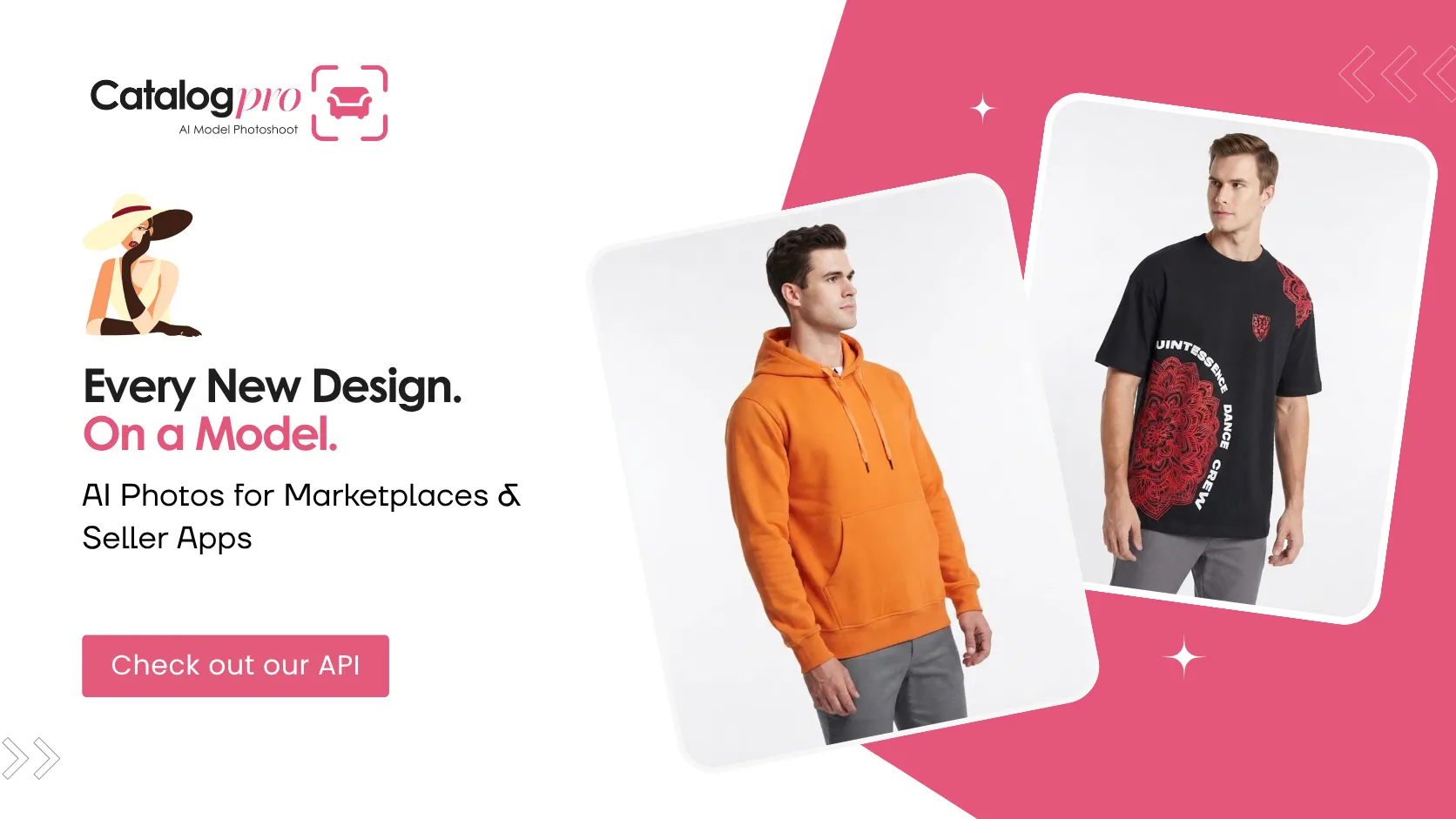
An AI model photoshoot changes that. You take a normal phone photo of the garment, and you get back photos of a realistic model wearing it, in a few different poses. With the Catalog Pro API, it runs from your own systems, costs about 15¢ a photo, and uses models you create once and keep using.
Why do on-model photos matter so much in fashion?
A shirt on a hanger doesn't tell a shopper much. On a person, they can see how it fits, how long it is, how the fabric falls and roughly how it would look on them. It's why fashion marketplaces like Myntra and Ajio lean so heavily on model photos, and why shoppers expect the same from brand websites.
The catch has always been cost and time. Every model shoot needs booking, styling, a studio day and editing. So brands put the bestsellers on models and leave the rest flat, and those flat listings usually don't sell as well.
How does an AI model photoshoot work?
- Create your models in the dashboard. You can have up to 25, and they're free. Pick faces and looks that suit your brand and your customers.
- Take a phone photo of the garment. Lay it flat or hang it straight in decent light. You can send up to four photos, like the front, the back and a close-up of the print or embroidery.
- Your system calls
POST /clothingwith the photos, themodel_idand how many photos you want, from one to five. - A few minutes later you get the model wearing your garment, each photo in a different pose.
You don't need to tell it what kind of garment it is. The API works out whether it's a top, a bottom or a dress and frames the photo to suit. You can get square (1024×1024) or portrait (768×1024) photos, and portrait usually looks best in fashion stores.
What does this change for a fashion brand?
You can put everything on a model
When a model photo costs about 15¢ instead of a slice of a shoot day, there's no reason to leave anything flat. Every design, every colour, all of it on a model.
You launch when you're ready, not when the studio is
Photos come back in 1–3 minutes. So samples can arrive in the morning, get photographed on a table, and the collection can be live that afternoon. If you're chasing trends, that head start matters a lot. More on that in How to List Products Faster.
Your store keeps one look
Use the same handful of models across every product and every season. When someone browses your store, they see familiar faces and a consistent style. That's hard to keep up with real shoots, where the models and photographers change over time.
Shoppers see the whole garment
Up to five poses per request means front, side, three-quarter and back views. That's the full picture people want before they buy clothes online.
Real model shoot vs. AI model photoshoot
| Model photoshoot | Catalog Pro API | |
|---|---|---|
| Models | Booked and paid for each shoot | Up to 25 of your own, free, reused forever |
| Poses per garment | Depends on shoot time | Up to 5 per request |
| Turnaround | Days to weeks | 1–3 minutes |
| Cost per photo | Studio, photographer, model, styling and editing | About 15¢ |
| What gets shot on a model | Usually just the bestsellers | The whole collection |
There's a full cost breakdown in Product Photography Cost in 2026.
How do you get the best results?
A few small things make a real difference. Lay the garment flat or hang it straight, with even light and no harsh shadows. If there's detail on the back, or a print or embroidery you want to show off, send a photo of that too. Make sure the gender you send matches the model you picked. And don't use all 25 models at random. Pick a small core set and stick with them, because that's what makes your store feel like one brand. For fashion stores, portrait (size=2) usually looks best.
Does it work for accessories too?
Yes. Bags, shoes, jewellery, watches and sunglasses go through POST /products, which gives you clean photos on a white background from up to five angles. So one setup covers your whole range. The overview is in AI Product Photography API.
Who is this for?
D2C fashion brands dropping new designs every week. Ethnic wear brands with big, fast-changing ranges of kurtas, kurtis, sarees and lehengas. Private-label and wholesale clothing businesses supplying marketplaces. And fashion marketplaces that want every seller's clothes shown on a model.
Frequently Asked Questions
What is an AI model photoshoot?
It makes photos of a realistic model wearing your garment from an ordinary photo of the garment, with no studio, photographer or real model needed. With the Catalog Pro API, you send the garment photo and pick one of your models.
How many models can my brand create?
Up to 25 per business, for free. You can reuse them on every garment so your store keeps one consistent look.
How many poses do I get per garment?
You choose between 1 and 5 photos per request, and each one is a different pose.
What garment photos should I send?
A clear, flat, well-lit photo of the garment. You can send up to four, such as the front, the back and a close-up, which helps with prints and details.
How much does an AI model photo cost?
About 15¢ per photo. Plans start at $39.99 for 250 photos, the models are free, and your first plan is 5% off.
Can I get portrait photos for fashion listings?
Yes. Send size=2 for portrait 768×1024, or leave it out for square 1024×1024.
Put Your Whole Collection on a Model
Create your brand models for free and launch every design the day it arrives. Your first plan is 5% off.
More for Businesses
AI Product Photography API: Automate Catalogue Photos for Your Business
What the API does, what it costs, and how to go live in about ten minutes.
How to List Products Faster: From Days to Minutes
Take the photoshoot out of your launch process and put products on sale the same day.
Product Photography Cost in 2026: Photoshoot vs AI API
What a shoot really costs per photo, and what the API costs, with real examples.