
AI Product Photography API: Catalogue Photos Without the Photoshoot
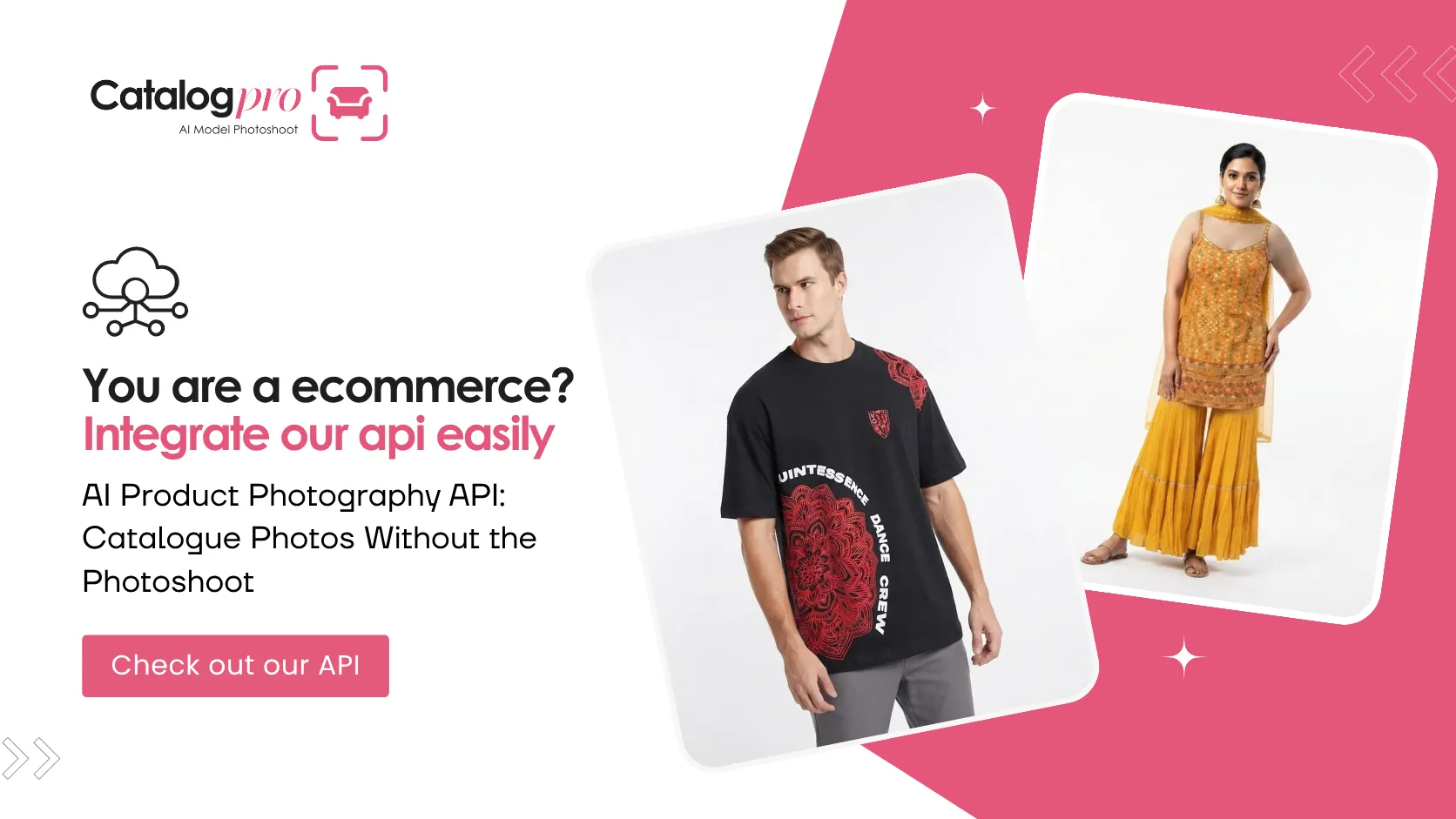
If you sell a lot of products online, you already know the annoying part isn't finding stock or writing descriptions. It's the photos. Everything else is ready, and the product just sits there until someone gets around to shooting it.
An AI product photography API fixes that. Your team (or your sellers) take a normal phone photo, your system sends it to the API, and a couple of minutes later you have clean catalogue photos you can put straight on a listing. No studio booking, no photographer, no model.
We built the Catalog Pro API on the same AI that runs our Catalog Pro app, which sellers already use every day for their listing photos. This post walks through what it does, how it helps you sell faster, what it costs, and how long it takes to plug in. Spoiler on that last one: about ten minutes.
Why are product photos such a bottleneck?
Think about the last batch of products you added. How long did they wait between arriving and actually going on sale? For most businesses, the answer is "longer than it should have", and the reason is almost always the shoot.
A traditional shoot means finding a free studio slot, packing up samples, booking a model if it's clothing, shooting, then waiting for someone to edit it all. If you add a few products a month, that's fine. If you add fifty a week, it becomes the thing that slows everything down.
Then there's quality. Every shoot comes out a bit different. Different light, different background, different crop. After a year your catalogue looks like it was put together by five different companies.
What can the Catalog Pro API create?
It does two things, and each has its own endpoint.
Product photos on a white background
Send one to four phone photos of a product to POST /products. Shoes, bags, jewellery, cosmetics, gadgets, home stuff. You get back up to five photos on a clean white background, each from a different angle. That's the kind of main image Amazon, Flipkart and most Shopify stores expect.
Clothing worn by a model
Send a photo of a garment to POST /clothing and pick one of your models. You can send up to four garment photos, like the front, the back and a close-up of the print. You get back up to five photos of the model wearing it, each in a different pose. The API figures out whether it's a top, a bottom or a dress and frames the shot to match.
Your own models, reused everywhere
You can create up to 25 models in your dashboard, free. Use the same few faces across your whole catalogue and your store starts to feel like one brand instead of a mix of random shoots. Your code can list them with GET /models.
A count of who made what
Every request includes a user_id from your own system. The dashboard then shows how many photos each of your users made. If you're a platform charging sellers for this, that's your billing data sorted.
How does it help you sell faster?
A product can't sell until it's listed, and it can't be listed until it has photos. So every day you shave off the photo step is a day of sales you get back.
With the API, photos are usually ready 1–3 minutes after upload. Up to 50 of your users can make photos at the same time, so nobody's waiting in line behind a photographer. And one request can give you up to five angles or poses, which is a full product gallery from a single upload.
In practice that means stock that arrives in the morning can be live, with proper photos, by the afternoon. We go into this in more detail in How to List Products Faster.
How does it improve your listings?
Online, the photo is the product. Shoppers can't pick it up, so they look closely at the pictures and decide whether to trust you.
What the API gives you is the stuff good listings have in common. A clean white background instead of a bedsheet or a shop counter. Clothing shown on a person so buyers can see the fit. Several angles so they don't have to guess what the back looks like. And the same look on every product, because it's the same models and the same style every time.
You can choose square (1024×1024) or portrait (768×1024), depending on what your store or marketplace shows best. There's more on this in How to Improve Product Listing Quality.
Photoshoot vs. API at a glance
| Traditional photoshoot | Catalog Pro API | |
|---|---|---|
| Time to a finished photo | Days of booking, shooting and editing | 1–3 minutes after upload |
| Cost | Studio, photographer, models, retouching | From about 15¢ per photo |
| Consistency | Changes with every shoot | Same models and background every time |
| Adding more products | More shoots and more budget | One API call per product |
| Who can do it | A trained photographer | Anyone with a phone |
How much does the API cost?
You buy a pack of photos once and use it whenever you want. There's no subscription, no monthly minimum, and the photos don't expire.
| Plan | Photos | Price | Per photo |
|---|---|---|---|
| Starter | 250 | $39.99 | 16.0¢ |
| Studio | 500 | $74.99 | 15.0¢ |
| Pro | 1,500 | $219.99 | 14.7¢ |
| Studio Max | 3,000 | $449.99 | 15.0¢ |
| Studio Ultra | 5,000 | $749.99 | 15.0¢ |
Your first plan is 5% off, applied automatically at checkout. And if we can't make a photo for some reason, it goes back to your balance, so you only pay for photos you actually get. We compare this properly against shoot costs in Product Photography Cost in 2026, and the live prices are always on the API pricing section.
How do you set it up?
- Sign in with Google on the API dashboard and add your business.
- Buy a plan and create your models.
- From your server, send a request with your secret key in the
X-Api-Keyheader and your user's id. - You get a
job_idback straight away. Check the job a couple of minutes later and download the photos.
That's genuinely it. The getting started guide has copy-paste examples for every call.
Who is it for?
Anyone who deals with a lot of product photos. The businesses we see getting the most out of it:
- Marketplaces and seller apps that want every seller's listings to look good. We wrote a separate guide for platforms.
- Fashion and clothing brands who want every design on a model the day it arrives. See AI Model Photoshoots for Fashion Brands.
- E-commerce software and agencies adding photos to their product or client work.
- Wholesalers photographing hundreds of items for catalogues and B2B portals.
A few things to know before you start
Keep your API key on your server. Don't put it in a mobile app or a web page, because anyone who finds it can use up your photos. Save your photos to your own storage once they're ready, since we delete them after 30 days. And use it only for products that are sold publicly.
Frequently Asked Questions
What is an AI product photography API?
It's a service your own software can call to turn an ordinary product photo into catalogue-ready images. With the Catalog Pro API, you send a phone photo from your server and get back white-background product photos or on-model clothing photos in about 1–3 minutes.
What can I create with the Catalog Pro API?
Two kinds of photos: products on a white background from up to 5 angles (POST /products), and clothing worn by one of your own models in up to 5 poses (POST /clothing). You can create up to 25 models for free.
How much does the Catalog Pro API cost?
Plans go from $39.99 for 250 photos to $749.99 for 5,000 photos, which works out to about 15¢ a photo. There's no subscription, photos don't expire, your first plan is 5% off, and any photo we can't make goes back to your balance.
How fast are the photos ready?
Usually 1–3 minutes after upload. Up to 50 of your users can make photos at the same time.
How long does integration take?
Most developers are up and running in about ten minutes. Sign in, add your business, buy a plan, and call the API from your server with your secret key.
What size are the photos?
Square 1024×1024 by default, or portrait 768×1024 if you send size=2.
Stop Waiting on Photoshoots
Set it up in about ten minutes and get 5% off your first plan. You only pay for the photos you receive.
More for Businesses
How to List Products Faster: From Days to Minutes
Take the photoshoot out of your launch process and put products on sale the same day.
Product Photography Cost in 2026: Photoshoot vs AI API
What a shoot really costs per photo, and what the API costs, with real examples.
AI Photos for Marketplaces & Seller Apps
Better seller listings on your platform, plus a feature you can charge for.