
Cosmetics Product Photography: Beauty Product Photo Guide for Sellers
India's online beauty market is growing fast. Platforms like Nykaa, Amazon, and Meesho have made it possible for small beauty brands and resellers to reach millions of buyers. But cosmetics product photography has a challenge that most other categories do not — colour accuracy. A lipstick shade that looks different on screen than in person generates returns, negative reviews, and lost customers.
This guide covers how to photograph cosmetics and beauty products for ecommerce — from essential shots and lighting techniques to tips for specific product types and how to create professional beauty product photos without a studio.
Why Cosmetics Photography Is Uniquely Challenging
Beauty products demand more precision from your photos than almost any other category. Here is why:
- Colour accuracy is non-negotiable — a foundation shade that looks two tones off on screen means an automatic return. Buyers choose cosmetics by colour, and your photos must reproduce shades accurately on every screen.
- Packaging is reflective — glossy tubes, metallic caps, glass bottles, and foil packaging create reflections and hot spots that are difficult to control without proper lighting.
- Products are small — a 5ml nail polish bottle or a 3g lipstick needs to fill the frame without losing sharpness. Poor macro photography makes small products look blurry or grainy.
- Texture sells — buyers want to see the creamy finish of a lipstick, the shimmer in an eyeshadow, the gel consistency of a serum. If your photos cannot convey texture, your listing cannot convey quality.
Essential Shots for Cosmetics Listings
Product on White Background
Your main image. Show the product standing upright (or lying at a natural angle for palettes and compacts) on a pure white background. The product should fill at least 85% of the frame. This is the image that appears in search results on Nykaa, Amazon, and every other marketplace.
Swatch or Texture Shot
This is the most important secondary image for colour cosmetics. Show swatches of lipstick shades on skin, eyeshadow colours blended on an arm, or foundation shades matched against different skin tones. For skincare, show the product's texture — a drop of serum on a finger, a cream smear on the back of a hand. Swatch shots on Indian skin tones are especially valuable because most international beauty brands only show swatches on lighter skin.
Packaging Details
Show the product from multiple angles — front label, back with ingredients list, cap or closure mechanism, and any special packaging features. Buyers on Nykaa regularly zoom into ingredient lists to check for specific actives or allergens. Make sure the text on your packaging is readable in at least one photo.
Open Product View
Show the product open or in use — a lipstick twisted up, a compact open showing the mirror and pan, a jar with the lid removed showing the cream inside. This helps buyers understand the actual product inside the packaging.
Group or Collection Shot
If you sell multiple shades or a product range, show them together in one image. A row of six lipstick shades or a flat-lay of an entire skincare routine helps buyers see the full range and often drives multi-product purchases.
Lifestyle or Usage Context
Show the product in a beauty-forward setting — arranged on a vanity, held in a hand, or placed alongside complementary products. Lifestyle shots on beauty marketplaces convert significantly better than white-background-only listings.
Lighting Tips for Beauty Products
Lighting makes or breaks cosmetics photography. The wrong light changes colours, hides textures, and creates reflections that make your product look unprofessional.
- Use diffused natural light — photograph near a large window with indirect sunlight. Direct sun creates harsh shadows and colour shifts. A white curtain or sheet over the window diffuses the light beautifully.
- Avoid warm lighting — warm-toned bulbs (yellow/orange) shift every colour in your photo. A red lipstick looks orange. A nude shade looks yellow. Use daylight-balanced lighting (5000K–5500K) for the most accurate colours.
- Control reflections — glossy packaging, metallic tubes, and glass bottles reflect everything around them. Use a light tent or surround the product with white paper to create soft, even reflections instead of visible room details.
- Backlight for translucent products — for perfume bottles, serums, and transparent gels, placing a light behind the product creates a beautiful glow that shows the liquid's colour and clarity.
Tips by Cosmetics Category
Lipstick and Lip Products
Show the bullet fully extended for colour visibility. Include arm swatches for every shade. For glosses and liquid lipsticks, show the applicator wand. If you sell multiple shades, a comparison swatch image across all shades is the single most useful photo for buyers deciding between options.
Foundation and Base Products
Shade matching is everything. Show swatches on at least two different skin tones (Indian skin ranges from fair to deep). Include the shade name and number visible on the packaging. For liquid foundations, a texture shot showing consistency — thin vs. thick, matte vs. dewy — helps buyers choose without trying the product.
Eyeshadow Palettes
Photograph the palette open, showing all pans clearly. Then show finger or brush swatches of every shade. Natural light is critical — artificial light distorts shimmer and metallic finishes, making colours look different from what the buyer receives.
Skincare Bottles and Jars
Show the label clearly (ingredients and claims), the texture of the product (a drop or smear), and the packaging from multiple angles. For pump bottles, show the pump mechanism. For jars, show the product with and without the lid. Skincare buyers spend more time reading labels than buyers in any other beauty category.
Nail Polish
Show the bottle with the brush extended to display the colour. Include swatch photos showing the colour applied on nails — ideally two coats on natural nails. Nail polish colours shift dramatically between bottle and application, so swatch photos prevent most returns.
Marketplace Standards for Beauty Products
Nykaa and Amazon have specific expectations for beauty product listings:
- Nykaa — requires high-resolution images (minimum 1000px), white background main image, and strongly recommends swatch images for colour cosmetics. Nykaa's beauty-focused audience expects editorial-quality photography.
- Amazon — standard requirements apply (white background, no text on main image, minimum 1000px). Beauty products benefit from Amazon's zoom feature, so higher resolution (2000px+) is recommended.
- Meesho — beauty products on Meesho are growing rapidly, especially in the ₹100 to ₹500 range. Clear, bright photos that show the actual product colour outperform stylised or filtered images.
The Cost of Beauty Product Photography
Professional cosmetics photography requires specialised skills and equipment:
- Product photography — ₹200 to ₹800 per SKU for white-background shots. Beauty products often need more angles than other categories, driving costs up.
- Swatch photography — ₹500 to ₹2,000 per shade if shot on a model's skin. Multiplied across a range of 10–20 shades, this adds up quickly.
- Macro photography — close-ups of textures and packaging details require macro lenses and controlled lighting, adding ₹300 to ₹1,000 per image.
- Colour correction — editing to ensure screen-accurate colours costs ₹100 to ₹300 per image and requires a colour-calibrated monitor.
A beauty brand launching 20 products with full photo sets can spend ₹20,000 to ₹50,000 on photography alone.
Create Professional Beauty Photos from Your Phone
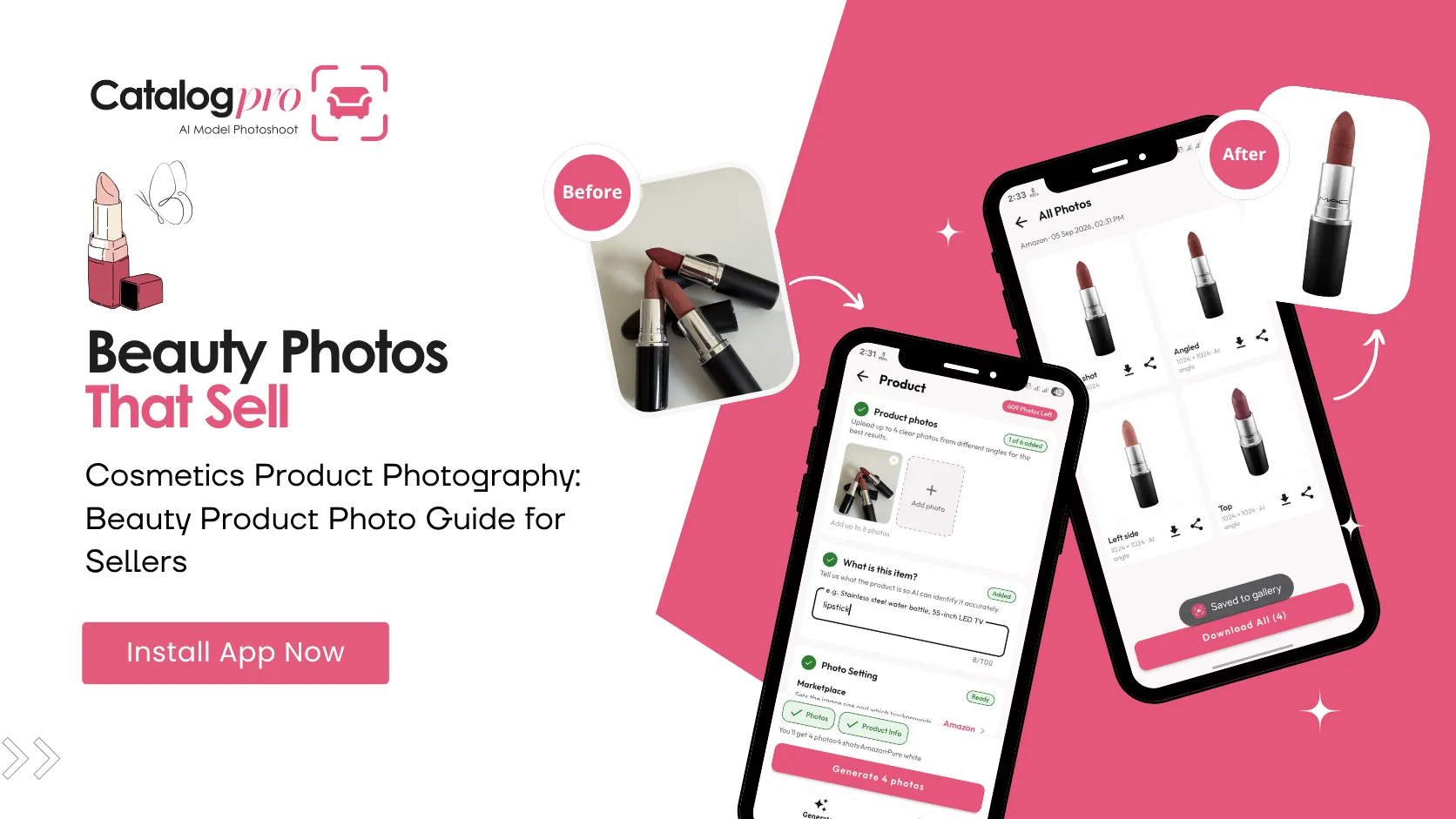
Catalog Pro helps beauty sellers create marketplace-ready product photos without professional equipment. Take a photo of your cosmetics product with your phone, and the app generates clean, professional images with proper backgrounds and lighting.
Step 1: Photograph your product
Take a clear photo of your beauty product with your phone. Use natural light near a window for the best colour accuracy. Make sure the full product is visible and the label is readable.
Step 2: Choose your marketplace
Select your target platform — Nykaa, Amazon, Meesho, or others. Catalog Pro applies the correct background, dimensions, and format for each marketplace.
Step 3: Download and list
The app generates professional product photos with clean backgrounds and balanced lighting. Download and upload to your seller dashboard. Every image meets marketplace requirements.
Cosmetics Photography Checklist
Before listing your beauty products, check these essentials:
- Main image shows the product on a pure white background, filling at least 85% of the frame
- Colours are accurate — compare your photo to the real product on your screen
- Swatch images are included for all colour cosmetics
- Ingredient list and product labels are readable in at least one photo
- Texture is visible — shimmer, matte, cream, gel finishes are clearly shown
- No visible reflections, glare, or hot spots on packaging
- At least 5 images per listing — product, swatches, label, open view, and lifestyle
- Images are at least 1000px (ideally 2000px) on the longest side
Start Selling More Beauty Products Online
The Indian beauty market online is booming — but so is competition. Buyers compare dozens of similar products in seconds, and the listings with professional, colour-accurate photos win the sale. Cosmetics product photography is not optional — it is the foundation of every successful beauty listing.
You do not need a professional studio, colour-calibrated equipment, or a photography budget of lakhs. Take a phone photo, let AI handle the rest, and focus on building your beauty brand.
Ready to Try It?
Download Catalog Pro and create professional beauty product photos in under 2 minutes.
Download Catalog Pro — Free to StartMore Tips for Sellers
Jewellery Product Photography: Complete Guide for Online Sellers
How to photograph jewellery for Amazon, Meesho, and other marketplaces.
Amazon Product Photography Guide for Indian Sellers (2026)
Everything you need to know about Amazon image requirements and creating professional listing photos.
You Don't Need a Studio for Professional Product Photos
Professional product photography used to cost ₹500–₹2,000 per product. Not anymore.