
Meesho Image Size Guide: Product Photo Dimensions and Requirements
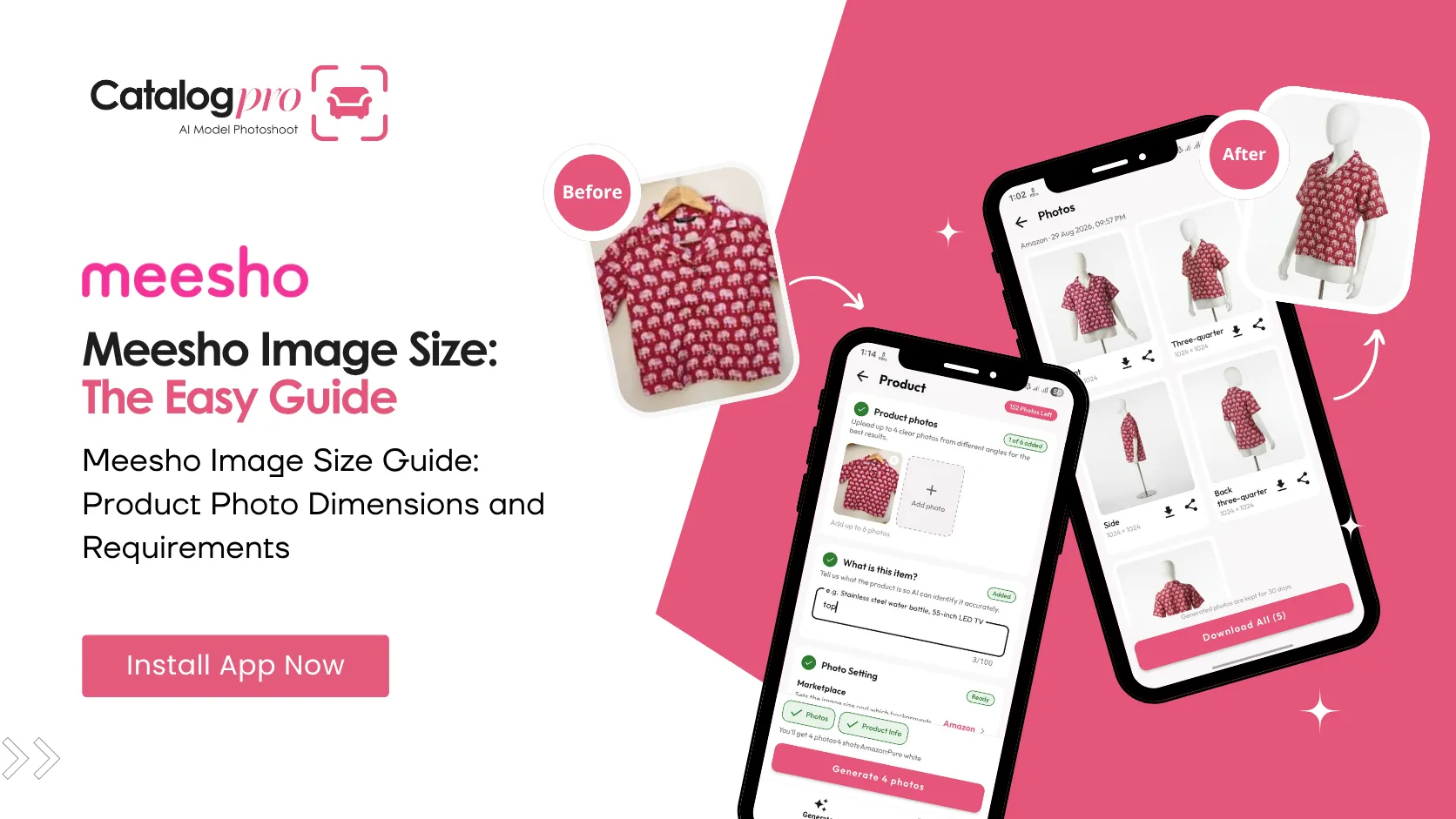
Uploading a product to Meesho and not sure what image size to use? Here are the recommended Meesho image dimensions that work best for every category.
Recommended Meesho Image Sizes
Meesho does not publish rigid official image specifications the way Amazon does. However, these are the best-practice dimensions based on what performs well on the platform and what the Meesho Supplier Panel accepts without issues:
- Clothing and fashion — 1080 × 1440 pixels (3:4 aspect ratio). This is the ideal Meesho image size for all apparel categories. It fills the product card perfectly in the Meesho app and gives buyers a clear, detailed view of the garment.
- Home and kitchen — 1080 × 1080 pixels (1:1 square). Square images work well for non-fashion products and display consistently across the app.
- Electronics and accessories — 1080 × 1080 pixels (1:1 square). Clean product-on-white shots at this size look sharp and professional.
Meesho Image Requirements at a Glance
- Minimum size — 500 × 500 pixels. Images below this will be rejected or appear blurry on high-resolution phone screens.
- Maximum file size — 5 MB per image. Keep files under this limit to avoid upload errors.
- File format — JPEG (.jpg) or PNG (.png). JPEG is recommended for product photos because of smaller file size with minimal quality loss.
- Background — white or light solid color is strongly recommended. Busy backgrounds distract from the product and look unprofessional in search results.
- Number of images — upload at least 3 to 5 images per product. Multiple angles increase buyer confidence and reduce returns.
Why Meesho Image Size Matters
Meesho's app is used almost entirely on mobile phones. The product grid, product detail page, and shared catalog links are all viewed on screens between 5 and 7 inches. Images that are too small appear blurry. Images at the wrong aspect ratio get cropped awkwardly, cutting off important parts of the product.
Using the right Meesho image size means:
- No awkward cropping — your product displays exactly as intended in search results and product pages
- Sharp on all devices — 1080px width is high enough resolution for every phone screen Meesho buyers use
- Better catalog shares — Meesho's social sharing feature shows product thumbnails. Correctly sized images produce clean, clickable thumbnails when resellers share your products on WhatsApp.
Meesho Image Tips by Category
Clothing
Use the 3:4 ratio (1080 × 1440px). Show the garment on a model — model photos consistently outperform flat-lay or hanger shots on Meesho. Include a front view as your main image, then add back view, close-up of fabric or embroidery, and a full-length shot showing how the garment falls. For kurtis, sarees, and lehengas, make sure the full length of the garment is visible.
Home and Kitchen
Use 1:1 square (1080 × 1080px). Place the product on a clean white surface with even lighting. For items like bedsheets, curtains, or cushion covers, include a lifestyle shot showing the product in a room setting — but make the main image a clean product-on-white shot.
Jewellery and Accessories
Use 1:1 square (1080 × 1080px). Jewellery needs sharp focus and accurate color. Photograph on white with a macro lens or your phone's zoom to capture detail. Include a worn shot (on hand, neck, or ear) as a secondary image so buyers understand the scale.
Electronics
Use 1:1 square (1080 × 1080px). Show the product from the front as the main image. Add images of ports, buttons, screens, and what comes in the box. Include a hand-held shot for size reference.
How to Get the Right Image Size Every Time
Catalog Pro automatically generates product images in the correct Meesho dimensions. Take a phone photo of your product, select the Meesho preset, and the app outputs images at the right size, aspect ratio, and format — with a clean white background and professional lighting. No manual resizing or cropping needed.
For fashion products, Catalog Pro generates AI model photos in the 3:4 ratio that Meesho displays best. For other categories, it produces clean product-on-white images at 1:1. Every image exports as a JPEG under 5 MB, ready to upload directly to the Meesho Supplier Panel.
Ready to Try It?
Download Catalog Pro and create perfectly sized Meesho product images in under 2 minutes.
Download Catalog Pro — Free to StartMore Tips for Sellers
Meesho Product Photography: Complete Guide for New Sellers
From clothing to furniture — how to create professional Meesho catalog photos.
Meesho Clothing Photos: How to Create Professional Fashion Catalog Images
A complete guide to creating Meesho clothing photos that attract buyers.
You Don't Need a Studio for Professional Product Photos
Professional product photography used to cost ₹500–₹2,000 per product. Not anymore.