
Meesho Product Photos and Model Photoshoot from Your Phone
You do not need to book a model photographer to list on Meesho. Take clear phone photos of the real product, then use Catalog Pro to put clothing on an AI model or place a product on a clean background. Check each result against the item before you upload it.
See current photo-pack prices. Use your own product photos as references.
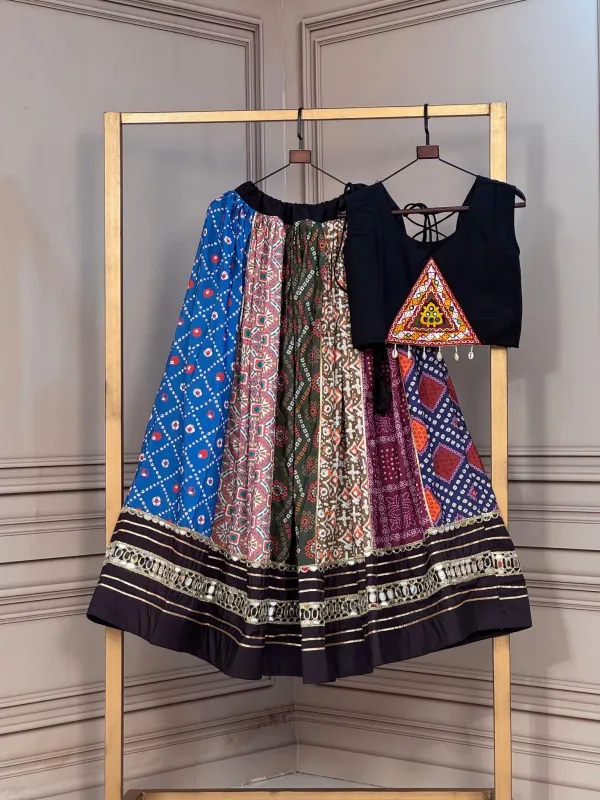
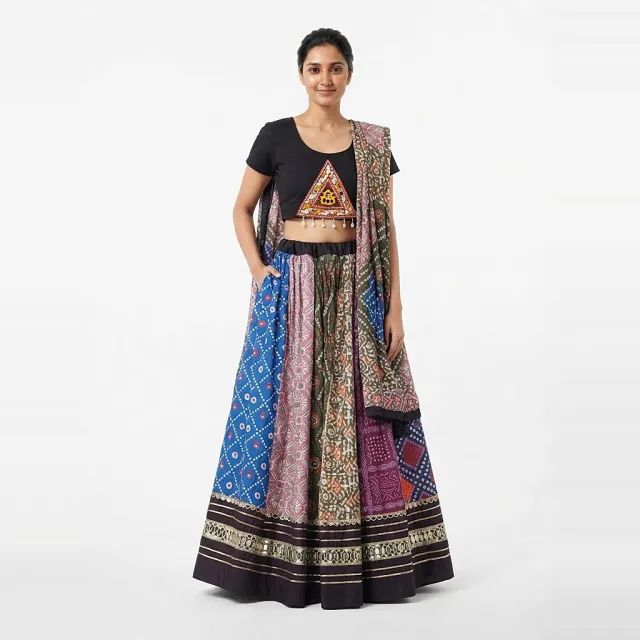
Clothing on a model: kurtis, sarees, sets and men's wear
The front image does most of the work on a Meesho catalog, so show the whole garment straight on, with nothing covering the print. The other photos should answer the questions a buyer would otherwise ask after delivery: what the back looks like, what the fabric is, and what is in the set.
- Front: full length on a model, or neatly laid flat, with sleeves and hem visible.
- Back: needed for back ties, deep necks, printed T-shirts and blouse designs.
- Fabric close-up: a real photo of the print, weave or embroidery. Do not use AI for this one.
- Set contents: kurti, bottom and dupatta shown together once, so nobody expects a piece you do not send.
- Men's shirts and T-shirts: collar, sleeve length and fit on a male model, plus the print or pocket detail.
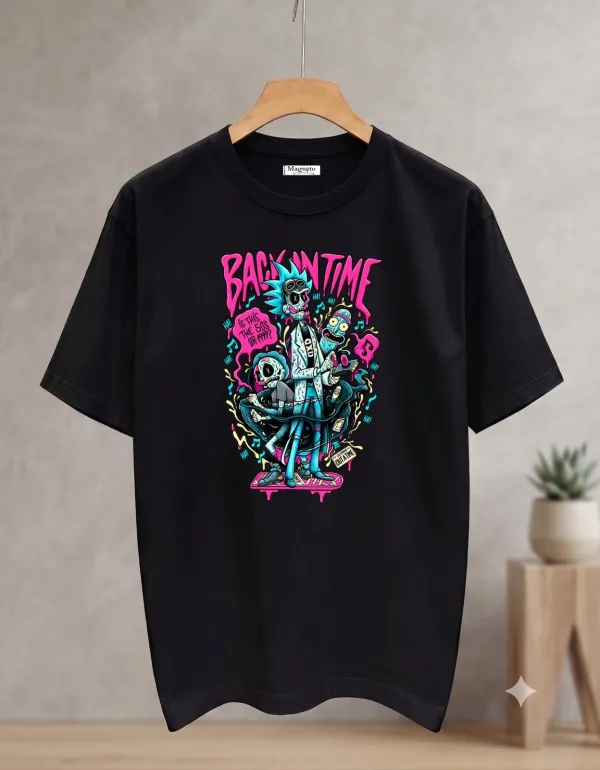
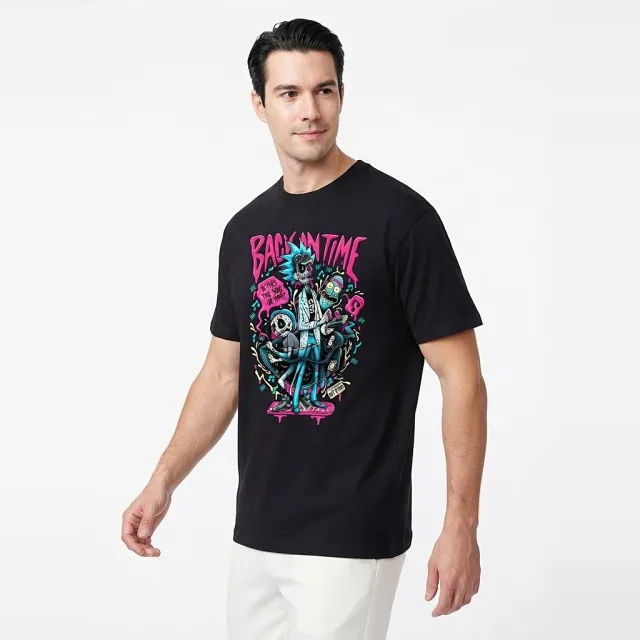
For sarees and kurtis, the Meesho product photo guide covers the photo corner, the views to take and file preparation step by step. If you want to try a model image first, see how to put a kurti on an AI model.
Footwear photos for Meesho
Shoe buyers zoom in on the sole, the toe shape and the material. Keep one shoe facing the same way in every listing so your catalog looks consistent.
- Outer side of one shoe, toe pointing left, as the main image.
- The pair from the front, then from above.
- The heel, and the sole with its real tread pattern.
- A close-up of the upper material, buckle or laces.
- The size marking inside the shoe, if your listing depends on it.


More detail on lighting and angles is in how to photograph shoes for selling online.
Furniture and home products
For furniture, cushions, bedsheets and decor, the buyer needs to understand size and finish. A plain background shows the shape; one photo in a room helps with scale, as long as the room does not include items that are not for sale.
- Straight-on front view of the full product.
- An angled view that shows depth.
- A real close-up of the fabric, wood grain or finish.
- Every part that comes in the box, laid out together.
- Dimensions written in the listing, not only shown in a photo.
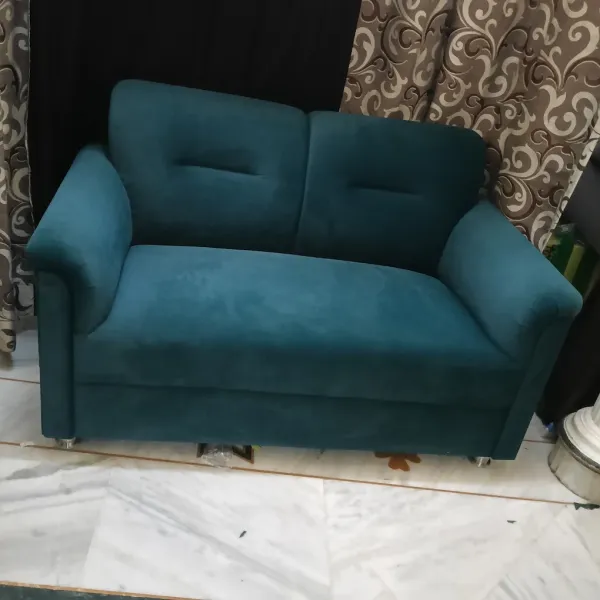
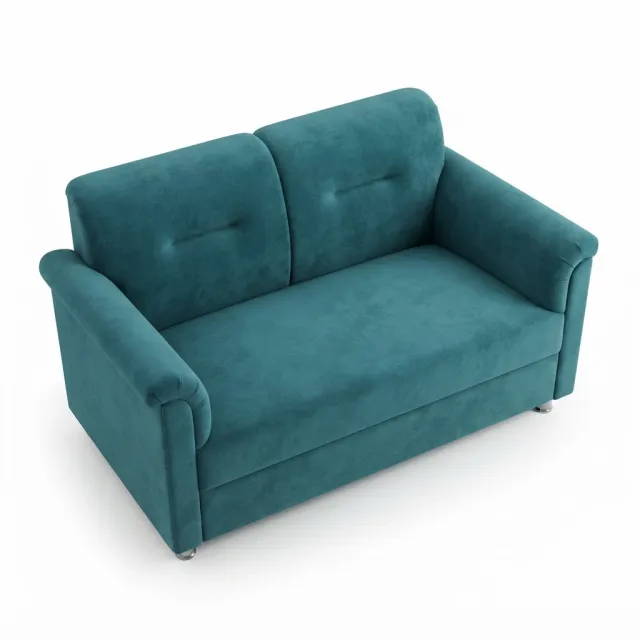
The furniture photography guide explains how to shoot large items in a small space.
Electronics and accessories: keep these photos real
Phone cases, earphones, chargers and small gadgets are where AI images are most likely to mislead. A generated photo can add a port, change a button or rewrite the text on a label. Use real photos for:
- Ports, buttons and switches, close up.
- Every cable, adapter and accessory in the box.
- The model number and rating label.
- The product switched on, if a screen or light matters.
If you use AI product photography at all here, use it only to clean up the background of the main image, and check it against the real product before you upload.
Photographer or studio vs AI photos: when to book a real shoot
AI photos from your phone pictures suit you when you have many simple designs, need a model image you cannot arrange yourself, or want to test a listing before spending on a shoot. They work best on clear prints and plain garments.
Book a model photographer or studio when the product depends on detail AI may change: heavy embroidery, sheer fabric, bridal drape, a tailored men's fit, shiny jewellery, or when you need video. Many sellers use both: a real shoot for best sellers and AI images for the rest of the range.
Studio rates vary a lot by city, number of products, models, styling and editing, so ask two or three studios to quote on the same brief. Our cost guide shows how to compare a studio quote with a home setup and AI per usable photo.
Meesho image requirements: check your category panel
Meesho's own supplier pages say to upload a sharp, clear picture of the product front when you create a catalog (single catalog upload lesson). Its category pages, such as selling clothes and selling shirts, ask for JPEG images without logos or watermarks.
The public pages we checked do not give one pixel size for every category. Check your category panel in the Meesho Supplier Panel for the current rules before you export. Catalog Pro is an independent tool and is not affiliated with or approved by Meesho.
Questions sellers ask
Do I need a model photographer for Meesho?
No. Many suppliers start with phone photos of the real product. You can add an AI model image made from those photos, and book a photographer later for products where fit or detail must be exact.
Can I use AI model photos on Meesho?
Meesho decides what it accepts. Use AI images only when they show the real product accurately, follow the rules in your Supplier Panel, and keep real photos for fabric and details.
What photos should I take for a men's shirt?
The front, the back, the collar, a sleeve cuff, the fabric close-up and any print or pocket. Show fit on a male model if you can.
Does Catalog Pro upload photos to Meesho for me?
No. You download the images you are happy with and upload them in the Supplier Panel yourself.
Try one product first
- Take clear front, back and detail photos of one item in daylight.
- Open Catalog Pro on the web or the Android app and choose clothing on a model or product photos.
- Pick the model, pose and background options you need, then generate.
- Compare every result with the real item: colour, print, stitching, logos and parts. Download only the ones that match.