
Catalog Photoshoot for Meesho, Flipkart and Nykaa Without a Studio
A catalog photoshoot gives every product a matching set of photos: a main image on a plain background, the other sides, close-ups and, for clothing, the item on a model. Instead of booking a Meesho photographer or a studio, you can take phone photos of each product and use Catalog Pro to make catalog-style images, then check each one against the real item.
See current photo-pack prices. Use your own product photos as references.
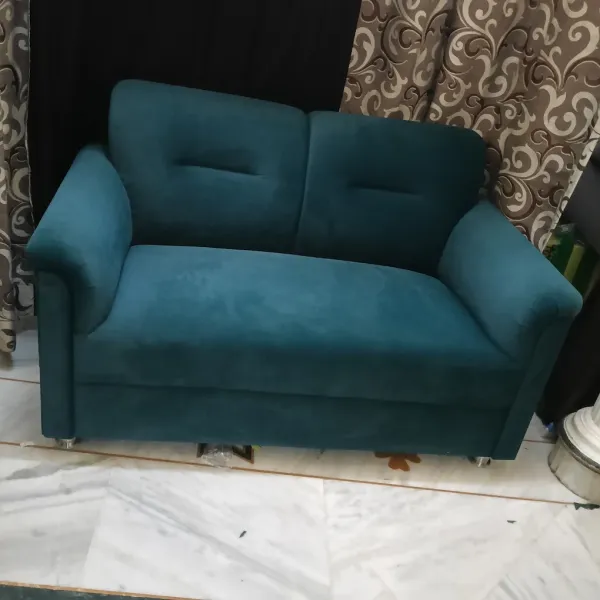
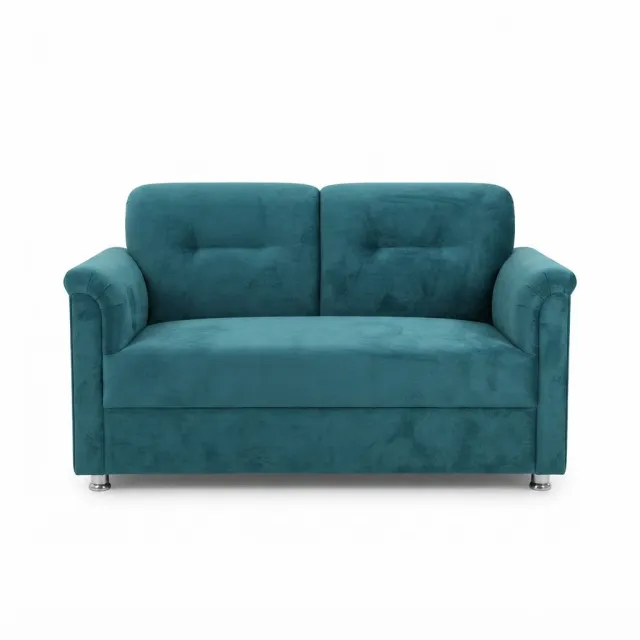
What a catalog shoot includes
- Main image: the whole product on a plain background, framed the same way for every item.
- Other views: back, sides and top, depending on the product.
- Close-ups: fabric, finish, labels, ports or stones.
- Scale or use: the product in a room, in a hand or on a model.
- Consistency: the same background, light and crop across the range, so the catalog looks like one brand.
- Export: files in the format and size your seller panel asks for.
By category
- Clothing: front, back and fabric photos, plus the garment on a model. See model photoshoot options and how to put clothes on an AI model.
- Footwear: side, front, back, top, sole and pair. See footwear photos for marketplaces and how to photograph shoes.
- Jewellery: shine and stone colour are hard to get right, so keep real close-ups. See the jewellery photography guide.
- Furniture: a white-background view for shape and one room photo for scale, with dimensions in the listing. See the furniture photography guide.
- Electronics: keep ports, buttons, labels and box contents as real photos. AI can add a port or rewrite a label, so use it only for a clean main background. See AI product photography.
- Beauty: the shade, label and texture must match the real product. See the cosmetics photography guide.
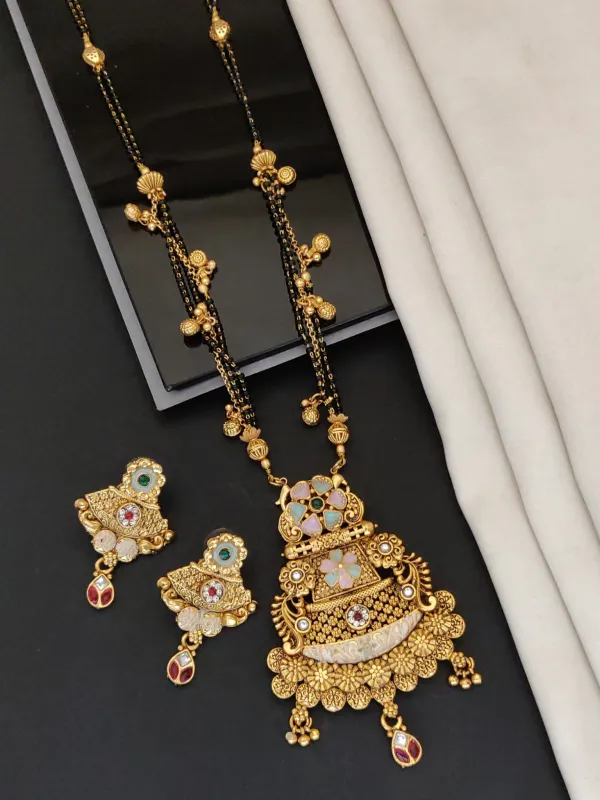
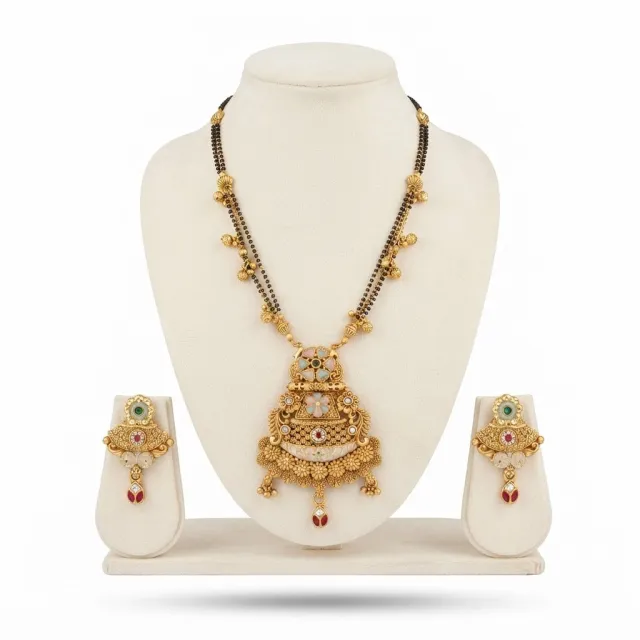


Studio or AI: what each does well
| Compared | Studio or photographer | Catalog Pro (AI) |
|---|---|---|
| What you arrange | Booking, sending products, models, styling | Phone photos of each product |
| Model photos | Real model, real fit and drape | AI model you can reuse across the range |
| Fine detail | Photographed as it is | Can change; keep real close-ups |
| Adding new products | Another booking or courier | Upload new photos when you have them |
| How you pay | Quotes per image, product or day | Credits bought in packs |
Studio rates depend on city, product count, models and editing. The product photography cost guide shows published rates and how to compare a quote per usable photo. Current Catalog Pro packs are on the pricing page.
Book a studio for heavy embroidery, jewellery that must sparkle exactly, bridal wear, video, or a brand campaign. You can also mix: studio photos for best sellers, AI images for the rest.
How it works
- Take clear photos of each product in daylight on a plain background.
- Open Catalog Pro in the browser or the Android app. On an iPhone, use the browser.
- Choose product photos, or clothing on a model, then pick the background and pose.
- Generate, compare each result with the real product, and download the ones that match.
- Upload them in your seller panel yourself.
AI can change a colour, print, label or small part, so check every image before it goes live. Catalog Pro is an independent tool and is not affiliated with or approved by any of these marketplaces. Each one decides what it accepts.
Questions sellers ask
Do I need a photo studio for a Meesho catalog?
No. Clear phone photos of the real product are enough to start, and you can turn them into catalog-style images with an AI tool. Book a studio for products where fine detail must be exact.
How much does a catalog photoshoot cost?
Studios quote per image, per product or per day, depending on models, editing and product count. Our product photography cost guide shows published rates, and Catalog Pro pack prices are on the pricing page.
Can AI make electronics photos for Flipkart or Meesho?
Use AI only for a clean main background. Keep ports, buttons, labels and box contents as real photos, because AI can change them.
What should I prepare before a catalog shoot?
A list of products, the views each one needs, clean and ironed items, and the image rules from your seller panel. The same list works for a studio brief or for your own phone photos.
Can I keep the same background for all my products?
Yes. Pick one background and reuse it for every product so your catalog looks consistent. Check that it meets your marketplace category rules.
Try one product first
- Take clear photos of one product from each view it needs.
- Generate catalog photos in Catalog Pro on the web or the Android app.
- Compare every result with the real item and download only the ones that match.