
Nykaa Beauty and Fashion Product Photos, No Studio
Beauty and fashion need different photos. For cosmetics, use real photos of the pack, label and shade. For clothing, footwear and accessories, you can turn phone photos into AI model or white-background images with Catalog Pro, then check them against the real product.
See current photo-pack prices. Use your own product photos as references.
Beauty products: shade, label and texture
Buyers of lipsticks, foundations and skincare want to know the exact shade, the size and what is in it. These are facts, so photograph them for real. AI can shift a shade or rewrite a label, which is exactly what you cannot afford here.
- The pack front, straight on, cap on.
- The pack open, showing the bullet, applicator or texture.
- A swatch on skin in daylight, ideally on more than one skin tone.
- The back label with ingredients, net quantity and expiry, readable.
- Each shade as its own photo, named to match the listing variant.
You can use AI product photography for a styled background behind the pack, but keep the pack, label and swatch photos real. See how to photograph beauty products for lighting that keeps shades accurate.
Men's clothing photoshoot for Nykaa Fashion
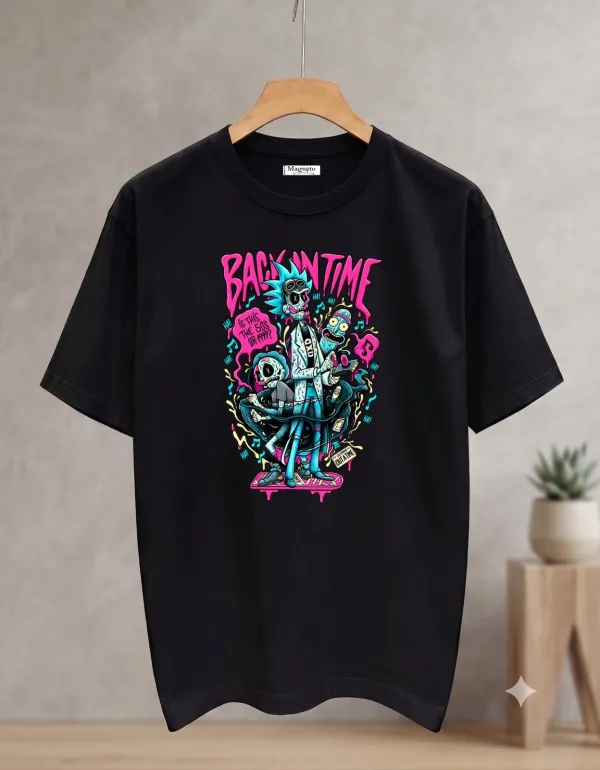
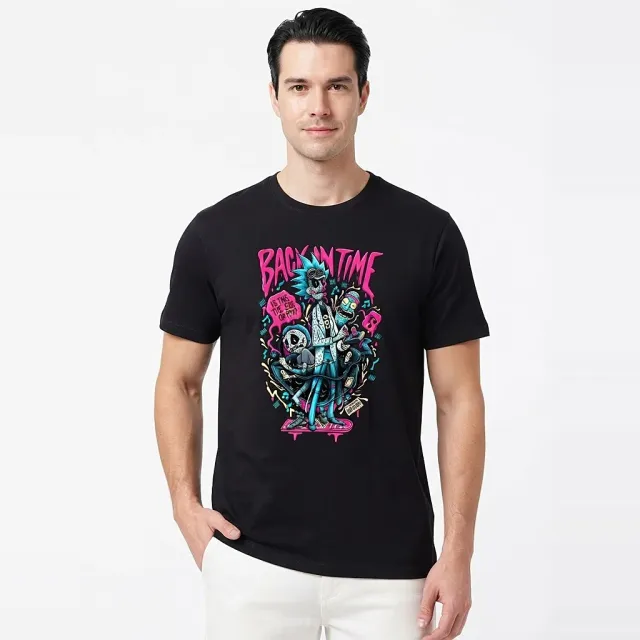
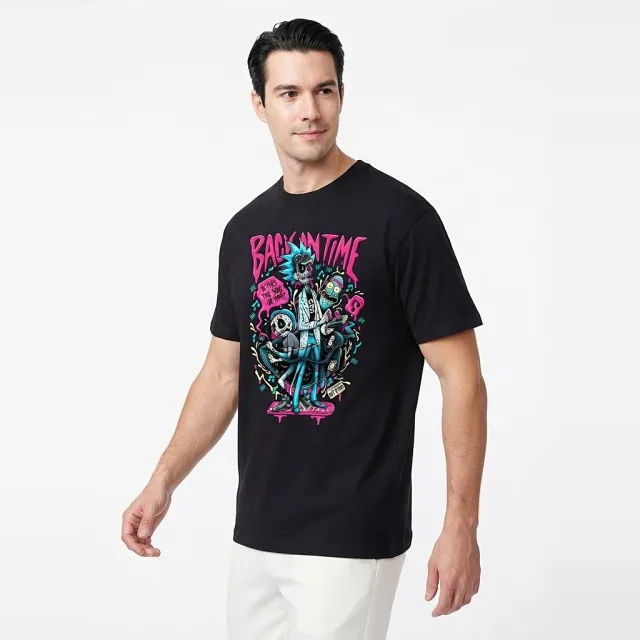
Men's T-shirts, shirts and kurtas need fit, collar and sleeve length to be clear. Use a male model in a relaxed standing pose, then add the back view and a fabric close-up.
- Front on a model, full torso and the hem visible.
- Back view, especially for prints.
- Collar, buttons and cuff close-up.
- Fabric texture, photographed for real.

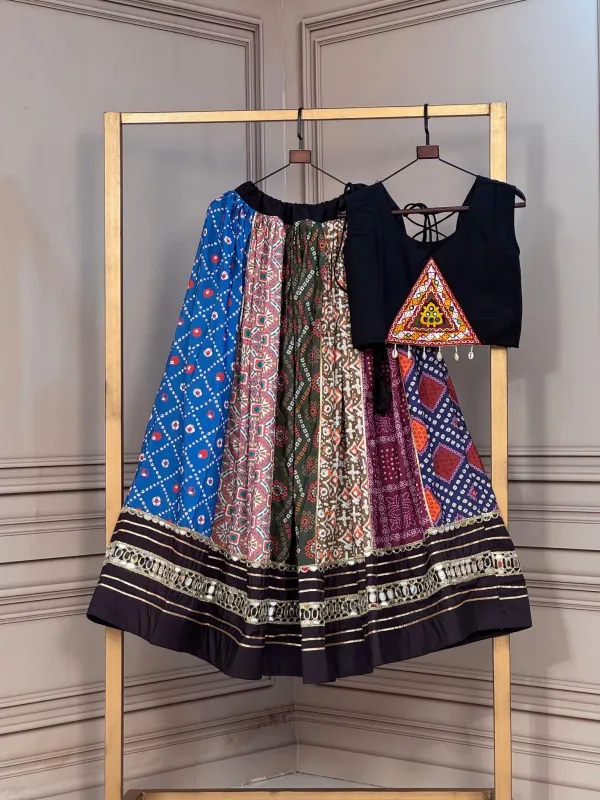
For women's ethnic wear, show the full drape, the dupatta and the blouse back. Keep a real photo of any embroidery.
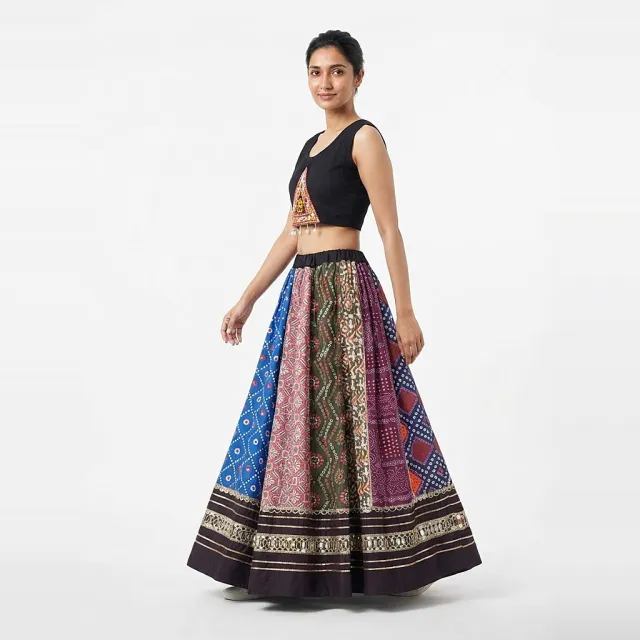
Footwear and accessories
For shoes, show the side, the top, the heel and the real sole. For jewellery and bags, show scale and the clasp or strap attachment, and keep one photo where the metal colour is shown in daylight.


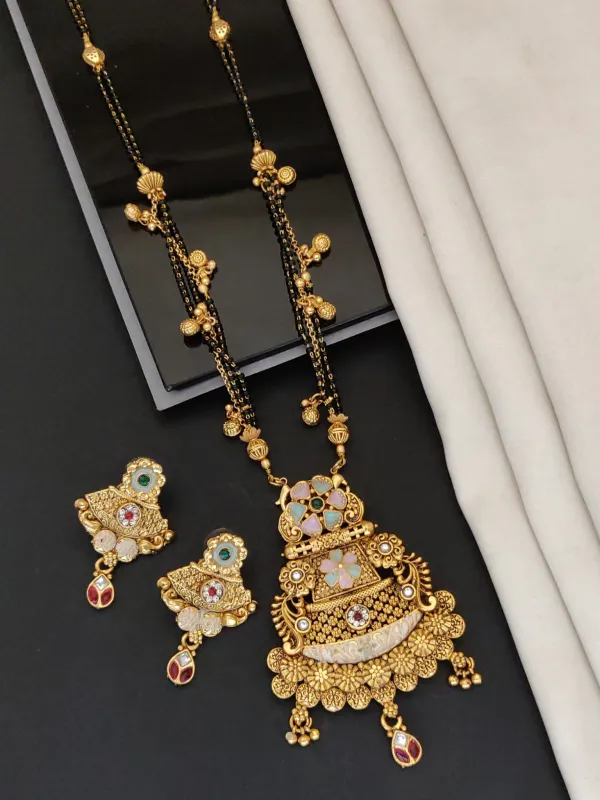
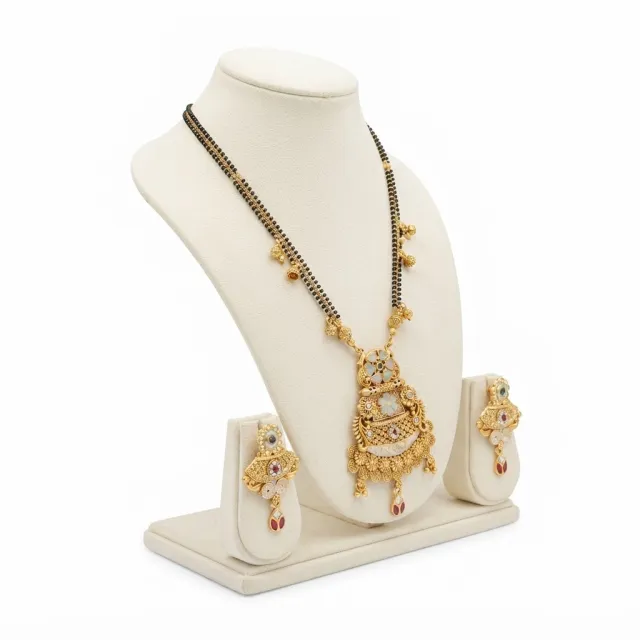
Guides: how to photograph shoes, jewellery photos at home and handbag photos for an online store.
Photographer or studio vs AI photos: when to book a real shoot
A beauty photography studio is worth it for hero images of a new range, close-up texture shots, and video of application. Shade accuracy needs controlled light and colour checking, which a studio is set up for.
For a fashion catalog with many simple pieces, AI model photos from your phone pictures are a quicker way to get a consistent look. Book a fashion shoot for statement pieces, sheer or sequinned fabrics, and anything where fit is the reason to buy.
Studio rates vary by city, the number of products, models and retouching. Ask for quotes on the same brief and compare a studio quote with a home setup and AI per usable photo.
Nykaa image requirements: check your seller panel
We could not find a public Nykaa page that lists seller image sizes or backgrounds. The brief you receive when onboarding, and your seller panel, are the reference. Check your category panel for size, background and the number of images, and follow separate rules for beauty and fashion.
Catalog Pro is an independent tool and is not affiliated with or approved by Nykaa or Nykaa Fashion.
Questions sellers ask
Can I use AI photos for lipstick or foundation shades?
Use real photos for shade, label and swatch. AI can change colour. A generated background behind a real pack photo is safer.
Does Catalog Pro have male models?
Yes. You can choose a male model for T-shirts, shirts, kurtas and hoodies.
Do I need a Nykaa photography studio?
Not for every product. A studio helps with beauty hero images and textures; phone photos and AI model images can cover a simple fashion catalog.
Where are Nykaa's image rules?
In the brief and seller panel you get as a Nykaa seller. Check them for your category before you export.
Try one product first
- Take a front, back and detail photo of one garment, shoe or accessory.
- Open Catalog Pro on the web or the Android app and choose clothing on a model or product photos.
- Pick the model, pose and background options you need, then generate.
- Compare every result with the real item: colour, print, stitching, logos and parts. Download only the ones that match.