
Flipkart Product and Fashion Photography from Your Phone
For Flipkart, start with a clean main image of the real product and add photos that show what is in the box. Catalog Pro can turn phone photos into white-background product images or clothing on an AI model; electronics details should stay as real photos.
See current photo-pack prices. Use your own product photos as references.


Electronics photography for Flipkart
Buyers of chargers, earbuds, smartwatches, trimmers and kitchen appliances look for proof: the right ports, the right plug, everything in the box. Shoot these as real photos on a plain background with even light.
- Main image: the product alone, straight on, filling most of the frame.
- Ports and buttons: one close-up per side that has them.
- In the box: every cable, adapter, manual and accessory laid out together.
- Label: model number, input rating and certification marks as they appear on the product.
- In use: screen on, light on, or the product in a hand to show size.
- Variants: one photo per colour, named to match the listing.
Use AI product photography only for a background or a lifestyle scene, never for the product itself. Check that no port, logo or label text has changed.
Flipkart fashion photography: clothing on a model
For T-shirts, shirts, kurtas and dresses, a model image helps buyers judge fit. Keep the same model, background and crop for every colour of a style so the variant images look like one set. Men's wear needs the collar and sleeve length visible; women's ethnic wear needs the dupatta and back.


Flipkart's own seller blog has a guide to ecommerce fashion photography. For putting a garment on a model with AI, see how to put clothes on an AI model.
Footwear photos
- Outer side profile first, toe pointing left.
- Front, top and heel views.
- A real photo of the sole.
- A close-up of the material and fastening.


Furniture and home
Show the full product on a plain background, an angled view for depth, a real close-up of the material, and the parts that come for assembly. Put dimensions in the listing.
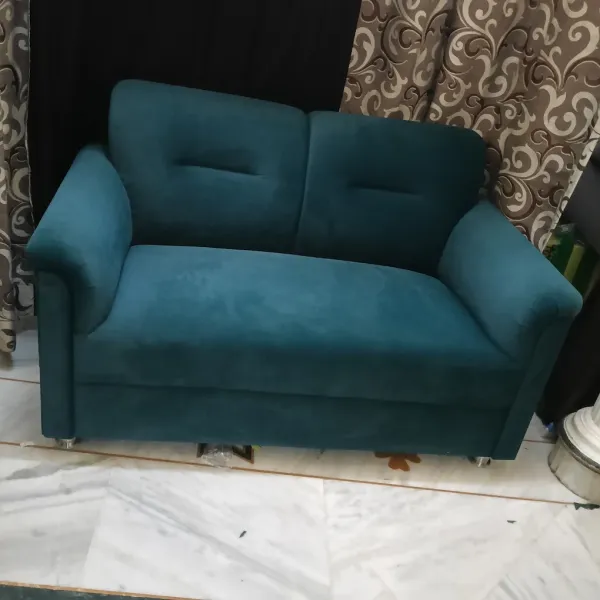
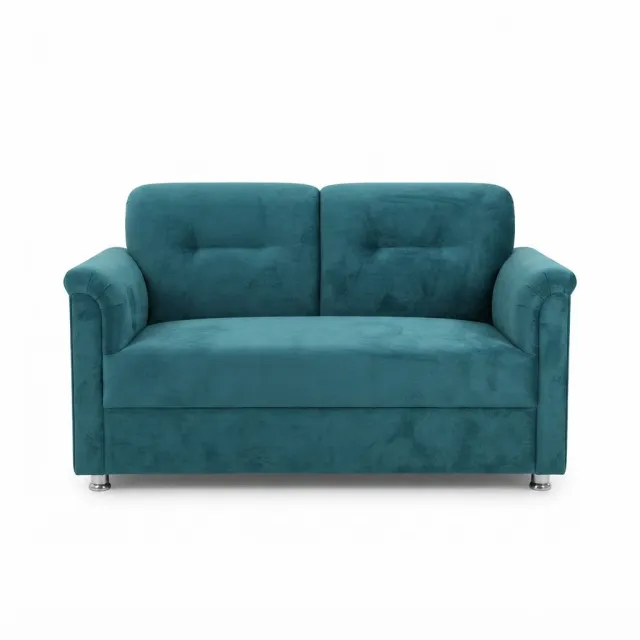
The furniture photography guide covers large items in small rooms.
Photographer or studio vs AI photos: when to book a real shoot
Phone photos plus AI images fit a catalog with many simple products, quick colour variants, or clothing that needs a model look you cannot arrange.
Book a product photographer for glossy or reflective electronics, products where a printed label or screen must be crisp, premium fashion and video. A studio can also shoot many variants in one session with matched light.
Rates vary by city, the number of products, models and editing. Ask for quotes on the same brief and compare a studio quote with a home setup and AI per usable photo.
Flipkart image requirements: check your category in Seller Hub
Flipkart's guide on how to list products on Flipkart advises high-resolution images on a white background, with lifestyle images where they help. Exact dimensions, file types and image counts depend on the category, so check your category panel in Seller Hub before you export.
Catalog Pro is an independent tool and is not affiliated with or approved by Flipkart.
Questions sellers ask
Can I use AI photos for electronics on Flipkart?
Use real photos of the product, ports, labels and box contents. An AI background behind a real product photo is the safe use.
How do I get model photos for Flipkart fashion listings?
Take a clear phone photo of the garment, then generate a model image in Catalog Pro. Check print, colour and fit against the real piece.
What background should Flipkart photos have?
Flipkart's listing guide advises a white background for product images. Check your category in Seller Hub for the exact rule.
Is a photography studio better for Flipkart?
For reflective electronics, premium fashion and video, often yes. For many simple products, phone photos and AI images can be enough.
Try one product first
- Take a clear front photo of one product and a photo of everything in the box.
- Open Catalog Pro on the web or the Android app and choose clothing on a model or product photos.
- Pick the model, pose and background options you need, then generate.
- Compare every result with the real item: colour, print, stitching, logos and parts. Download only the ones that match.