
Kurti AI Model: Professional Kurti Photos Without a Photoshoot
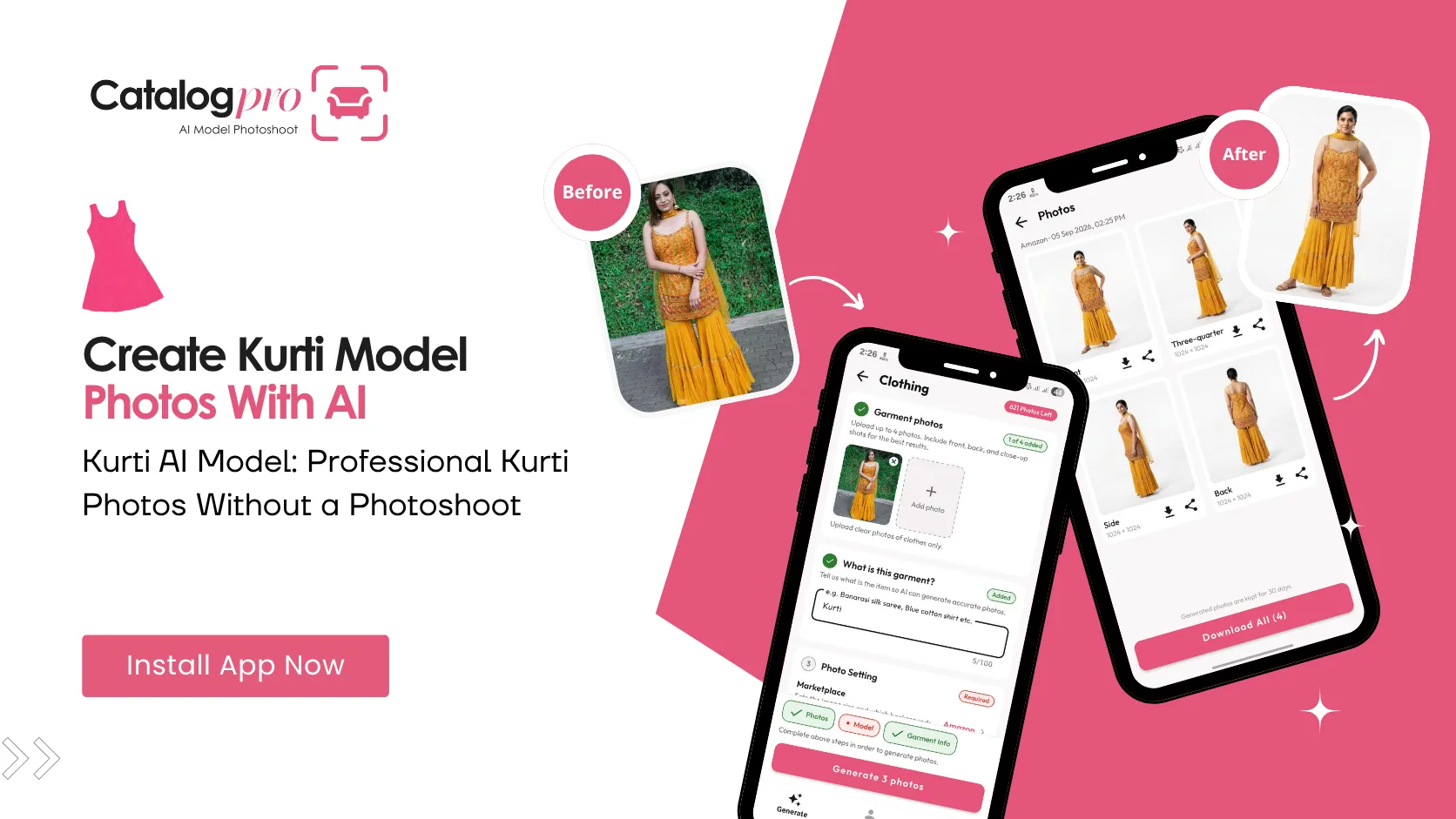
Kurtis are India's most-sold fashion item online. Millions of kurtis are listed across Meesho, Amazon, and Myntra — and the listings with model photos consistently outsell those with flat-lay images. But shooting every kurti on a model is impossible when your catalog has 50, 100, or 200 designs.
A kurti AI model solves this at scale. Photograph the kurti on a hanger, upload it, and get back professional images of a virtual model wearing it — with accurate prints, proper fit, and multiple angles. No photographer, no model booking, no studio.
Why Kurti Photography Needs Models
A kurti photographed flat on a table looks nothing like a kurti worn by a person. Buyers know this, and they scroll past flat-lay images because they cannot answer the questions that matter:
- How does it fit? — is it fitted, semi-fitted, or loose? A flat photo cannot show this.
- What is the length? — knee-length, calf-length, ankle-length? Buyers need to see this on a body to judge.
- How does the print look when worn? — a bold print that looks striking on a flat kurti can look overwhelming on a body, or vice versa. The only way to know is to see it on a model.
- Does the neckline work? — round neck, V-neck, mandarin collar — the neckline shape only makes sense in context of a person's frame.
- How do the sleeves fall? — three-quarter sleeves, bell sleeves, cap sleeves — buyers want to see the drape and proportion on actual arms.
Marketplace data backs this up. Kurti listings with model photos on Meesho get significantly more clicks and lower return rates compared to flat-lay listings. The reason is simple: buyers trust what they can see on a person.
The Scale Problem for Kurti Sellers
Most kurti sellers on Meesho and Amazon operate at a scale that makes traditional model photography impossible:
- Catalog size — a typical kurti seller lists 50 to 200+ designs. New designs arrive weekly or fortnightly from manufacturers.
- Seasonal turnover — summer cottons, festive prints, winter woollens. The catalog changes constantly.
- Tight margins — kurtis in the ₹300–₹800 range (the bulk of online sales) leave very little room for per-product photography costs.
- Speed to market — the first seller to list a trending design gets the sales. Waiting 3–5 days for a photoshoot and editing means losing the window.
Traditional model photography costs ₹500–₹1,500 per kurti (model fee + photographer + editing split across the number of garments shot). For a catalog of 100 kurtis, that is ₹50,000–₹1,50,000 — recurring every time the catalog refreshes.
How AI Models Work for Kurtis
An AI model for clothing is a virtual model generated by artificial intelligence that wears your garment digitally. For kurtis specifically, the technology handles the key challenges that make flat-lay photos inadequate:
- Print accuracy — the AI preserves the exact print, colour, and pattern of the kurti in the generated image. Floral prints, geometric patterns, bandhani work, and solid colours are all rendered faithfully.
- Fit and drape — the AI understands garment construction. An Anarkali kurti flows differently from a straight-cut kurti, and the AI reflects this in the model's pose and fabric fall.
- Length visibility — the generated image shows the full length of the kurti on the model, so buyers can immediately see whether it is knee-length, calf-length, or floor-length.
- Dupatta pairing — if the kurti comes with a dupatta, the AI can show the dupatta draped naturally over the model's shoulder.
- Consistent model — use the same virtual model across your entire kurti catalog for a unified brand appearance. This consistency builds trust with repeat buyers.
Create Kurti Catalog Photos with Catalog Pro
Catalog Pro turns a single phone photo of your kurti into multiple professional catalog images — ready for Meesho, Amazon, Myntra, or any marketplace.
Step 1: Photograph the kurti
Hang the kurti on a plain hanger against any background — a wall, a door, a curtain. Use your phone camera in natural daylight. Make sure the full length of the kurti is visible, from neckline to hem. If the kurti has a dupatta, drape it loosely next to the kurti.
Step 2: Choose your model and marketplace
Select the target marketplace in Catalog Pro (Meesho, Amazon, Myntra). Pick an AI model from the library that matches your target buyer demographic — choose age, skin tone, and body type. The app automatically applies the correct image dimensions and background for your chosen marketplace.
Step 3: Generate and download
In under two minutes, Catalog Pro generates professional images — front view, back view, and side angle — all showing the kurti worn naturally on your chosen model. Download them and upload directly to your marketplace listing.
A catalog of 100 kurtis that would take a week to photograph traditionally can be done in a single afternoon with Catalog Pro.
Kurti Photography Checklist
Before listing your next kurti, check that your catalog images cover these essentials:
- Model photo showing front view — full length from neck to hem
- Back view showing the back neckline and print continuation
- Print and pattern clearly visible — not blurred or distorted
- Neckline design is clearly shown
- Sleeve style and length are apparent
- Accurate colour representation matching the actual fabric
- Clean background compliant with marketplace requirements
- At least 3–4 images per listing
Scale Your Kurti Business Without Scaling Photography Costs
The kurti market on Indian e-commerce platforms is growing fast, and the sellers who win are the ones who list quickly with professional photos. Waiting for a photographer is not a competitive strategy when your competitor listed the same design yesterday with model photos generated in minutes.
AI model photography is not about cutting corners — it is about removing the bottleneck that prevents kurti sellers from showing their products at their best. Every kurti deserves a model photo. Now every kurti can have one.
Ready to Try It?
Download Catalog Pro and create professional kurti catalog photos in under 2 minutes — no model or photographer needed.
Download Catalog Pro — Free to StartMore Tips for Sellers
AI Model for Clothing: How Virtual Models Are Changing Fashion Photography
How AI models are replacing traditional model photoshoots for fashion sellers.
Saree AI Model: Create Professional Saree Catalog Photos with AI
Generate saree images showing perfect drape, pallu, and border detail instantly.
Meesho Product Photography: Complete Guide for New Sellers
From clothing to furniture — how to create professional Meesho catalog photos.